How to Export Your Vocabulary to Anki or a CSV (and Why It Matters)
Here is a small test worth running on any app before you pour months of effort into it. Ask one question: if I stopped using this tomorrow, could I take my work with me? For a language app, your work is the pile of words you have collected, one careful highlight at a time, from the books you actually read. Those words are the record of everything you have met and want to keep. If an app will not hand them back to you cleanly, it is quietly betting that leaving will be painful enough that you never do.
Vocaboodie takes the opposite bet. Every word you save can be exported, either straight into Anki or as a plain CSV file you can open anywhere. This post is about how that works, what each format is best for, and why the freedom to walk away is, oddly, the strongest reason to stay.
Your words are data, and data should travel
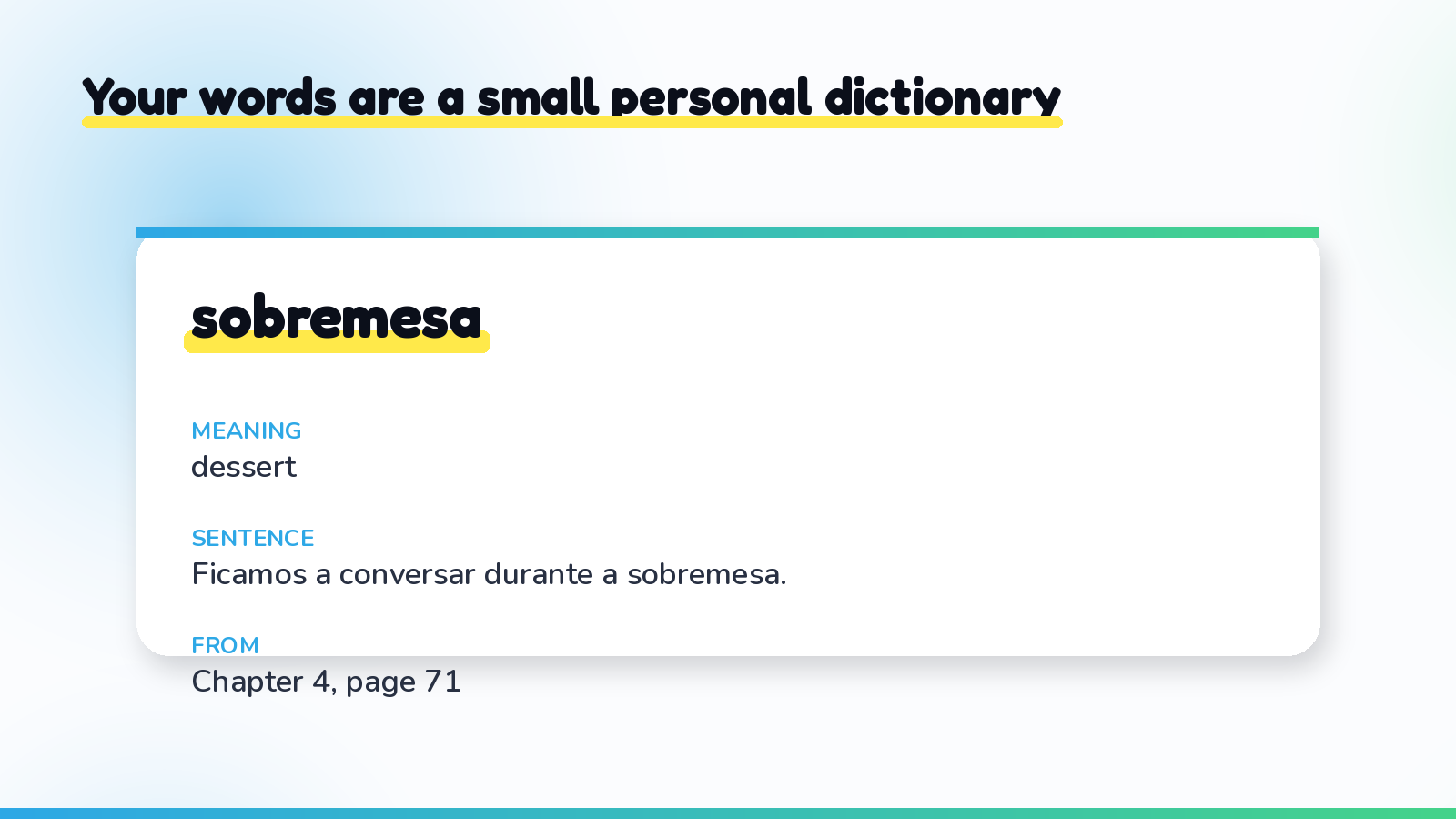
When you snap a page and the words you highlighted are pulled out, translated, and given the sentence they appeared in, you are not just building a study queue. You are building a small, personal dictionary of your own reading. Each entry holds a few useful pieces: the word, its meaning, the example sentence it came from, and often the book or page it belongs to. That bundle is genuinely valuable, and it is yours.
Export is simply the act of handing that bundle back to you in a format other programs understand. Nothing is trapped inside one app's screens. You can move it, back it up, reshape it, or study it somewhere else entirely. An app that captures your words but never lets them out is a roach motel for vocabulary. A good one treats your list as luggage you can pick up and carry at any time.
Exporting to Anki: keep the reviews you already trust
Plenty of readers already love Anki. Its review scheduling is excellent at one job, bringing a card back just before you would have forgotten it, and if that is what got you this far, there is no reason to give it up. The trouble with Anki was never the reviewing. It was the deck-building, the slow hand-typing of every card from a printed page, which we dug into in the easiest Anki alternative for people who read real books.
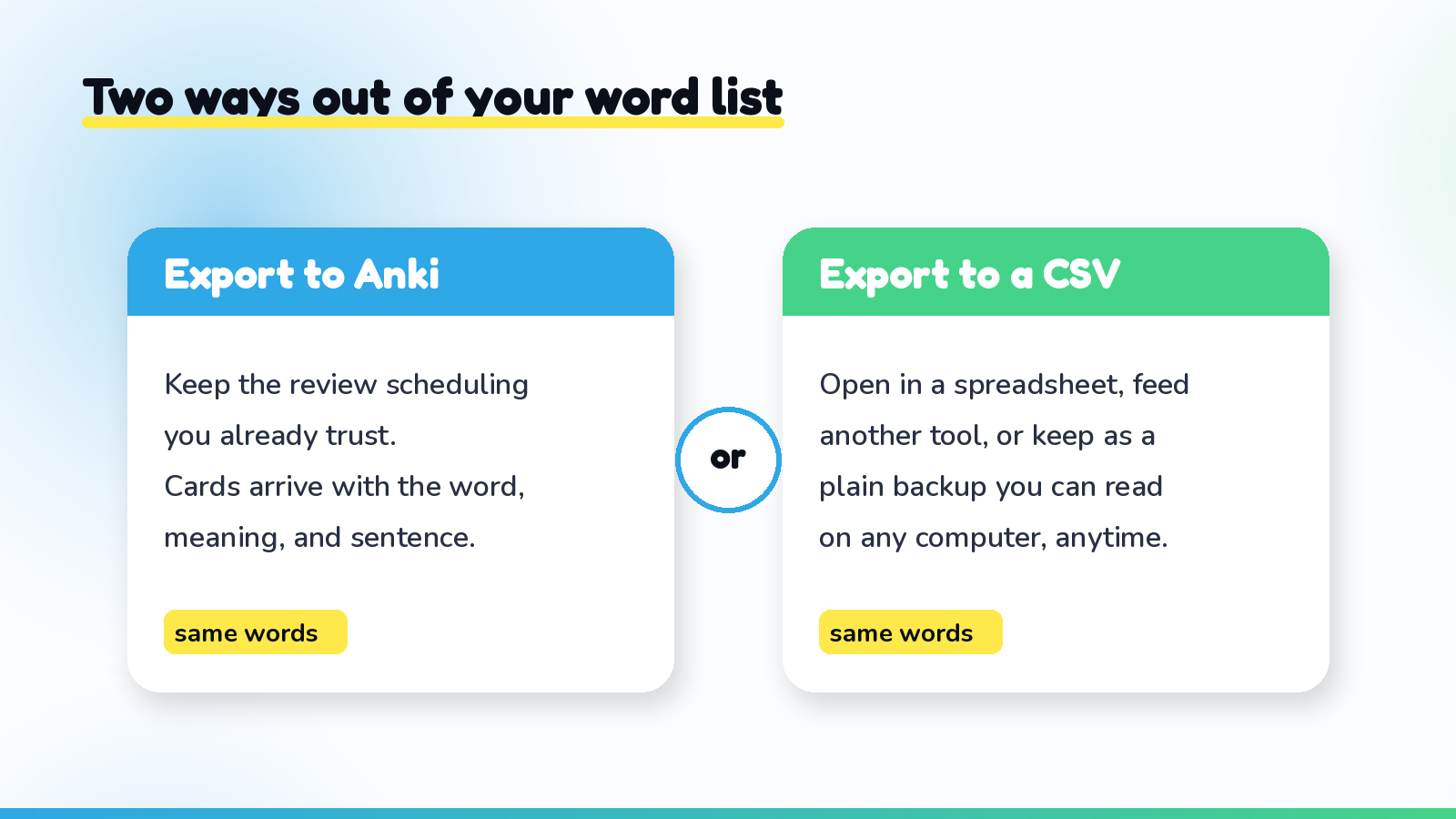
Export solves exactly that half. You capture words the fast way, by photographing the page you highlighted, and then send the finished cards into Anki, where each one arrives with its meaning and example sentence already attached. You skip the typing and keep the review engine you like. When you export to Anki, the fields map across sensibly: the word becomes the front, the meaning and the sentence fill the back, so you are reviewing the word in the context you actually met it, not a bare dictionary gloss.
If you want to see the capture step end to end before you export, how to make Anki cards from a book the fast way walks through the whole thing, and turning a photo of a book page into flashcards shows what happens between the snapshot and the finished card.
Exporting to CSV: the format that opens everywhere
Anki is not the only destination, which is why the plain CSV export exists. CSV stands for comma-separated values, and it is about as universal as a file gets. It is really just a table saved as text: one row per word, one column each for the word, the meaning, the sentence, and so on. Almost everything can read it.
That plainness is the point. A CSV opens in Excel, Google Sheets, or Numbers if you want to sort your words, filter by book, or count how many you have gathered this month. It feeds into other flashcard apps and study tools that accept an import. It works as a simple backup you can email to yourself and forget about, safe in the knowledge that your months of reading are not living in only one place. And because it is human-readable text, you can open it in ten years on a computer that has never heard of any particular app and still read every word.
Which one should you use?
The honest answer is that it depends on where the words are headed, and you are allowed to use both at different times.
Reach for the Anki export when Anki is already your home for reviews and you just want your book words to land there without the typing. Reach for the CSV when you want to see your vocabulary as a table, move it into a different app, or simply keep a copy somewhere safe. Many readers do a bit of each: study day to day inside Vocaboodie, where the words drop into a smart review schedule on their own, push a batch into Anki when they feel like reviewing there, and pull a CSV backup every so often for peace of mind. None of these choices locks out the others.
Why the exit door is a feature, not an afterthought
It can feel strange for an app to make it easy to leave. Shouldn't a tool want to keep you? The better tools have noticed something quieter: people stay longer when they know they can go. Lock-in breeds resentment. The nagging sense that your words are hostage makes you use an app tentatively, half expecting to be trapped. Take that fear away, let people export freely, and the relationship changes. You use the tool because it is genuinely the best place for your words today, not because escaping would cost you your work.
That is the real reason export matters, beyond the mechanics of file formats. It is a promise about who owns your effort. Your highlighted words came from your reading, your attention, your time. They should follow you wherever you go, in a format you can actually use, no permission required. An app confident enough to hand them back is an app worth trusting with them in the first place.
The takeaway
Exporting is not a niche power-user feature. It is proof that the words you gather while reading belong to you. With Vocaboodie you can send them into Anki to keep the reviews you already trust, or pull a plain CSV to open them in a spreadsheet, feed another tool, or hold as a backup. Either way, your vocabulary travels with you.
Want a growing list of words you can take anywhere? Start with Vocaboodie, highlight as you read, and keep every word you mark, in your hands, in a format you own.